Extensions & themes for Pterodactyl
Blueprint extensions and themes, tested on Pterodactyl 1.15. Bought on sourceXchange, licence keys and downloads here.
One purchase = one licence = one panel. A licence is bound to one panel domain and its server; subdomains count as separate panels (test1.example.com and test2.example.com can't share a licence). You can move a licence to another panel at any time.
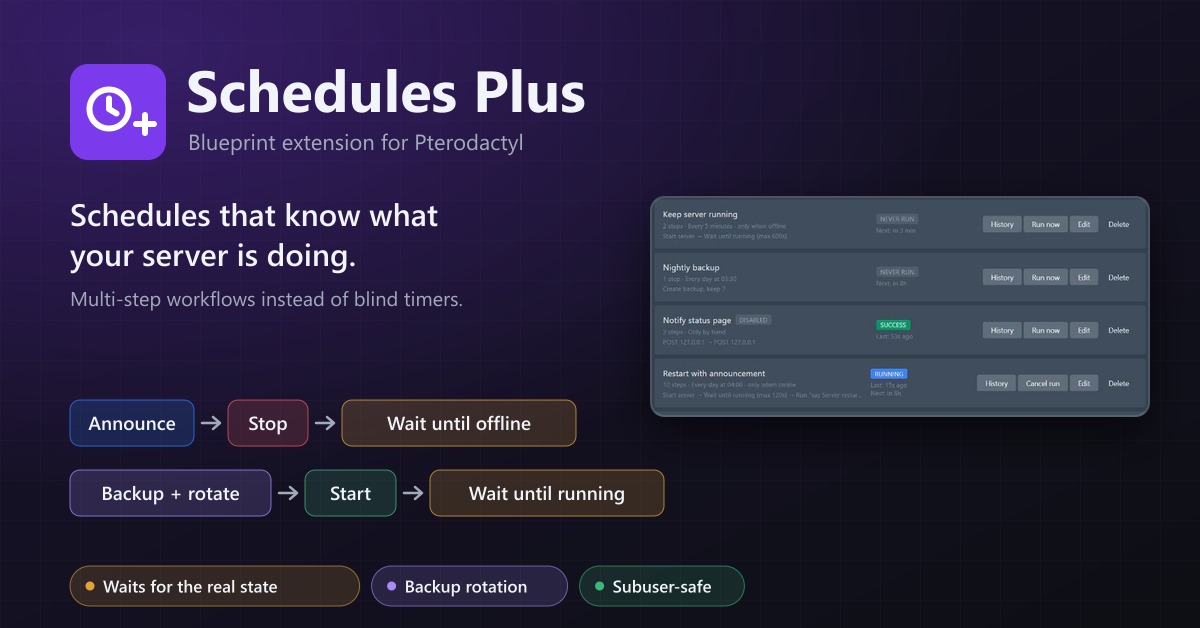
Schedules Plus
Multi-step server workflows that wait for the real server state: announce, stop, back up with rotation, start again.
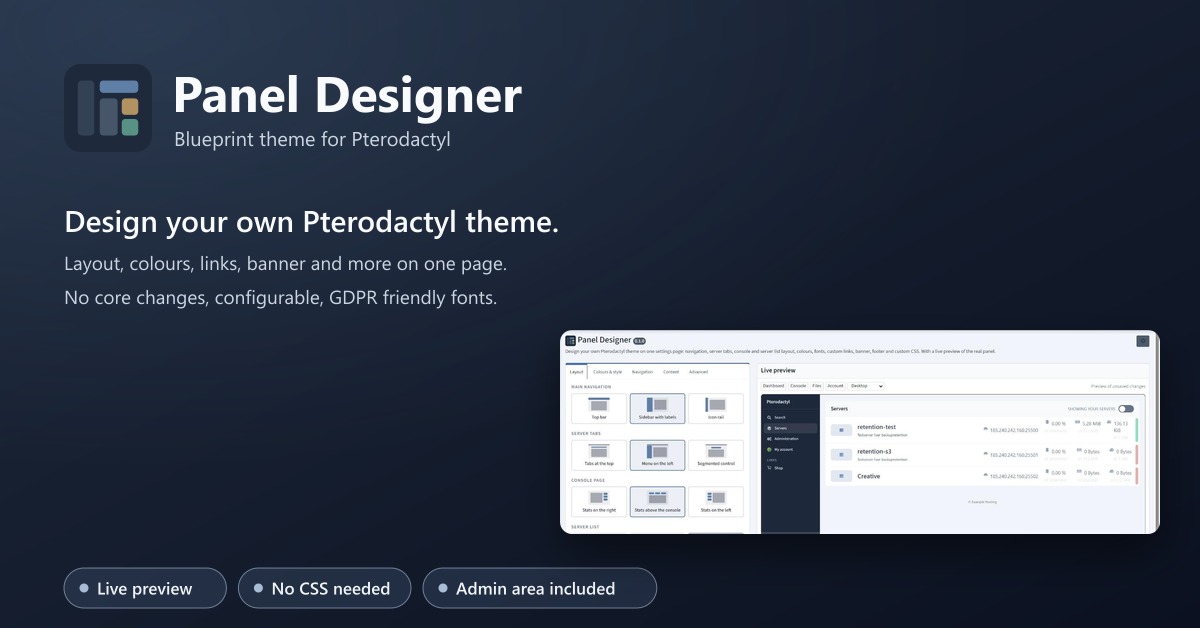
Panel Designer
Design your own Pterodactyl theme on one settings page: layout, colours, fonts, links, banner, footer. With a live preview.
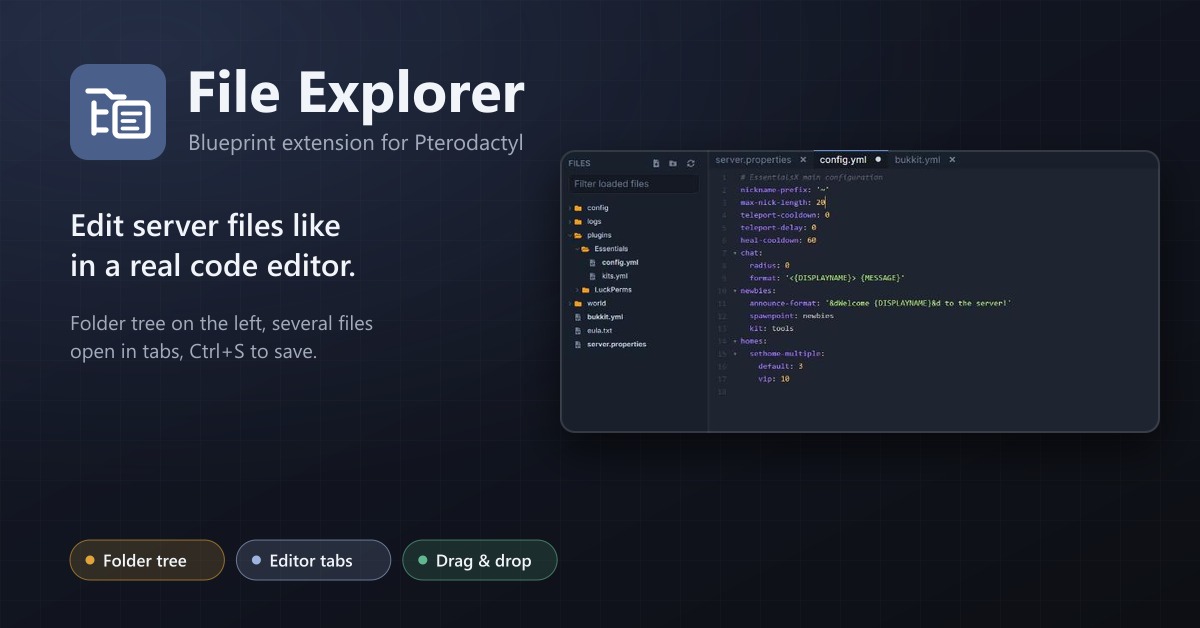
File Explorer
A file explorer with folder tree and editor tabs for every server: open several files at once, save with Ctrl+S, move by drag and drop.
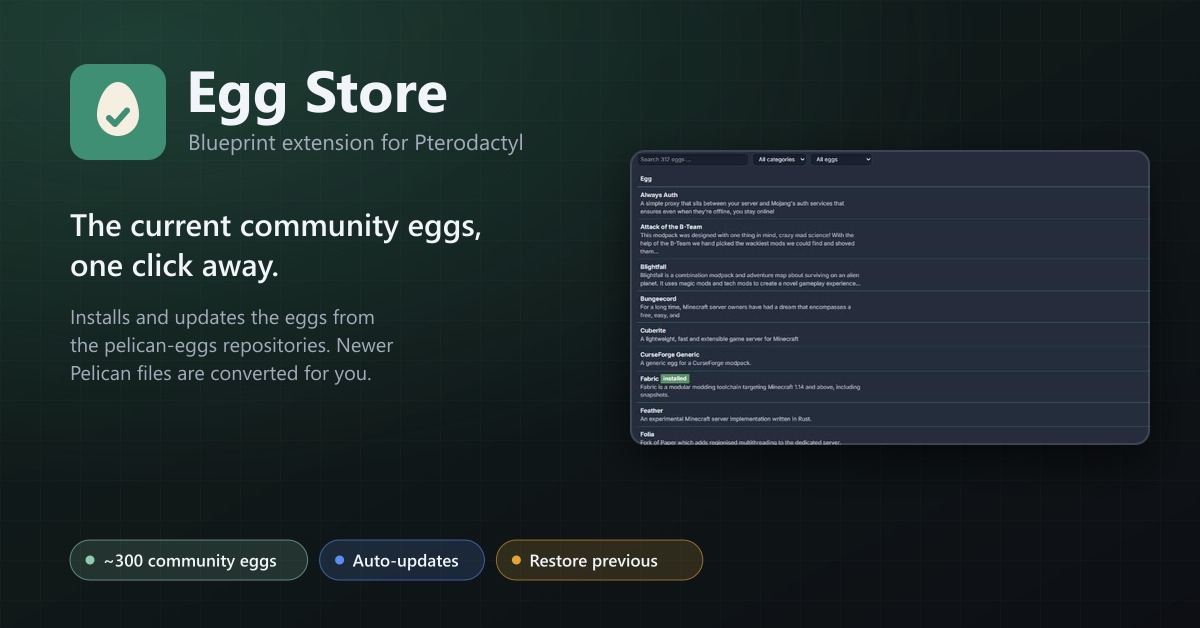
Egg Store
Install and update about 300 community eggs from the pelican-eggs repositories with one click. Pelican eggs are converted automatically.
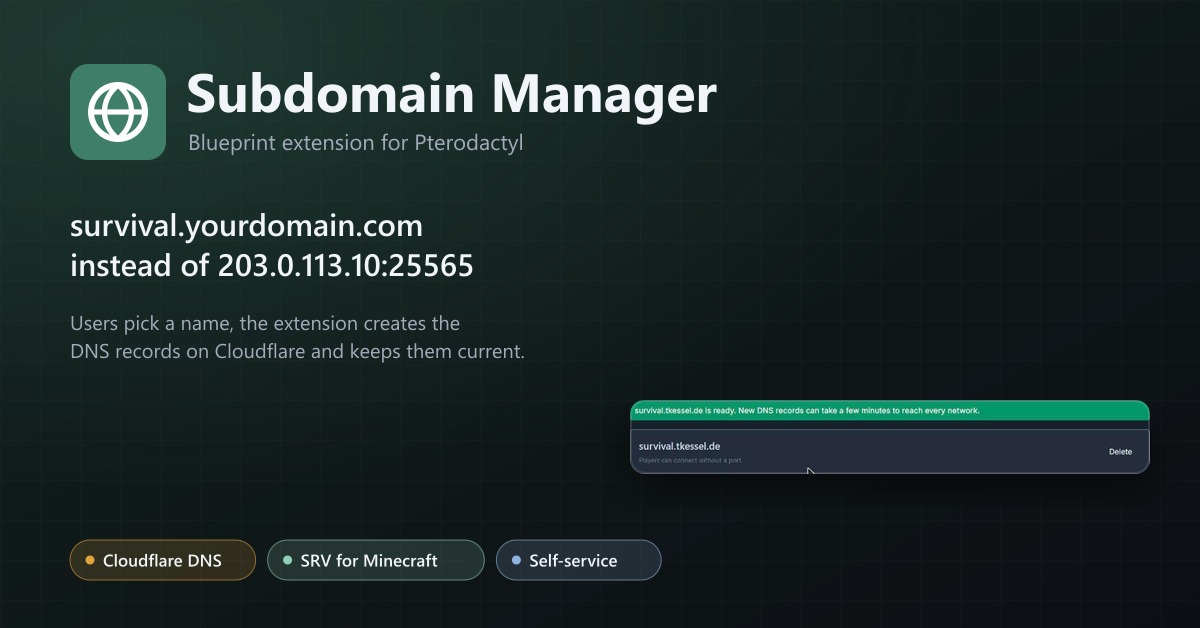
Subdomain Manager
Let users give their servers an address like survival.example.com. DNS records on Cloudflare, with SRV records for Minecraft.
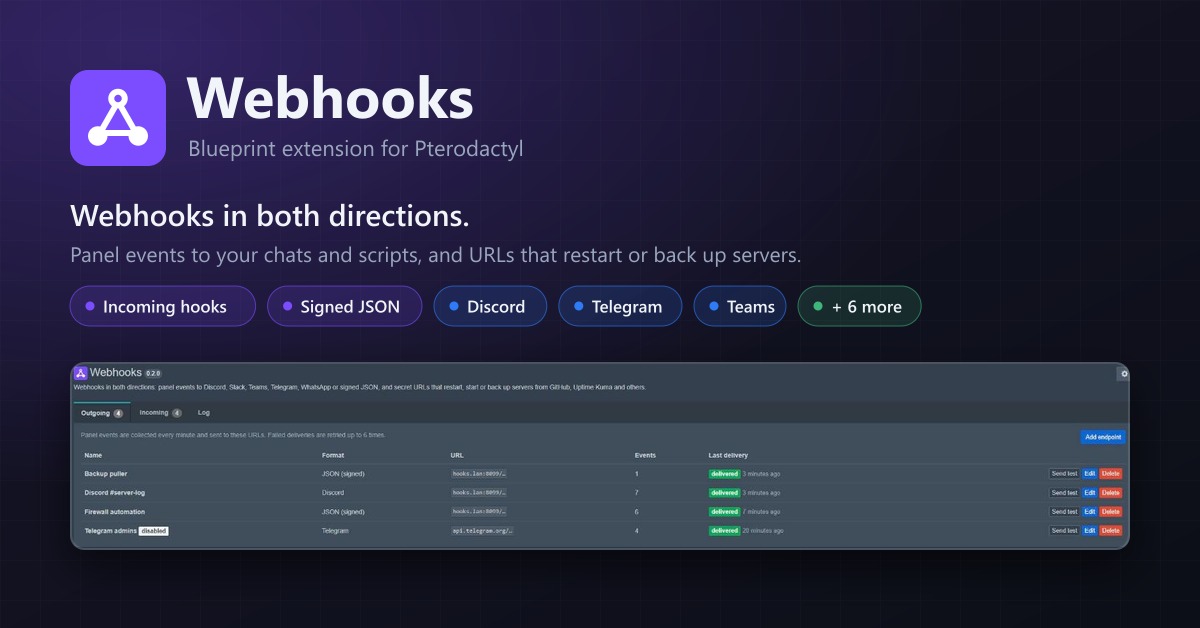
Webhooks
Webhooks in both directions: panel events to Discord, Telegram, Teams or JSON, and URLs that restart or back up servers.
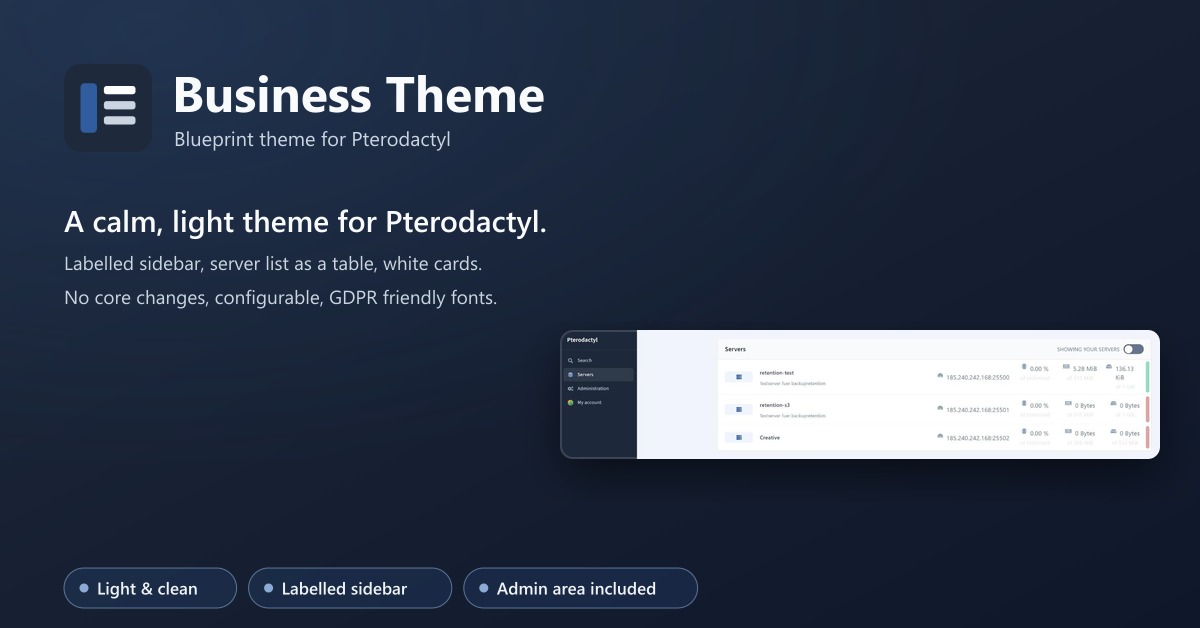
Business Theme
A calm, light theme for Pterodactyl: labelled sidebar, server list as a table, matching admin area. No core changes.
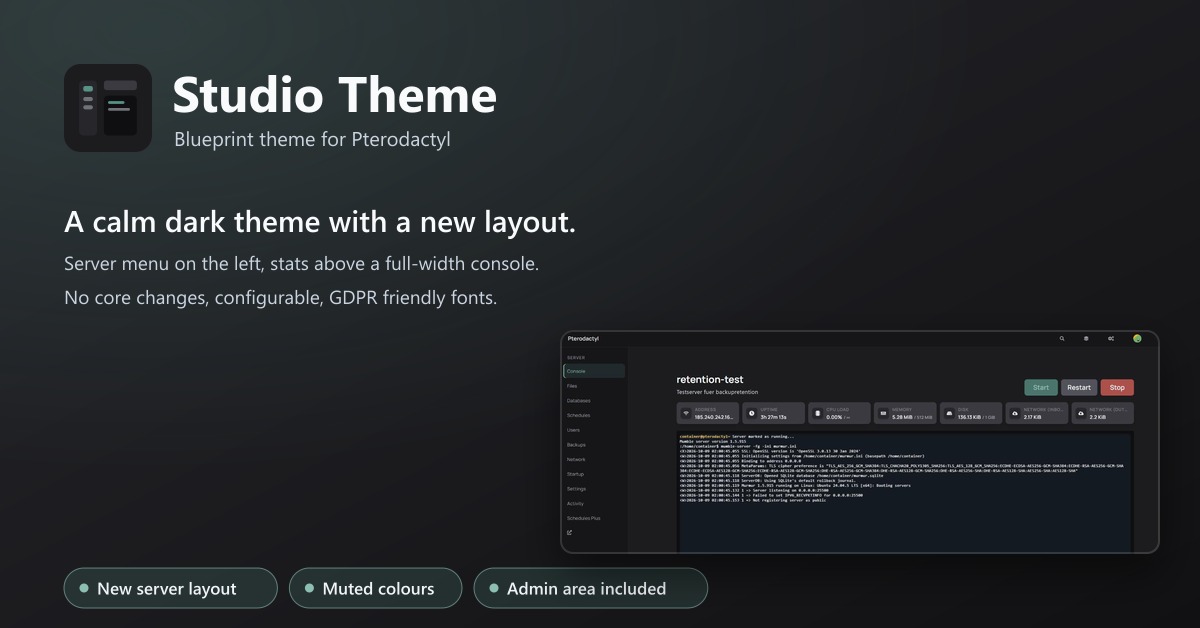
Studio Theme
A calm dark theme with a new layout: server menu on the left, stats above a full-width console. No core changes.
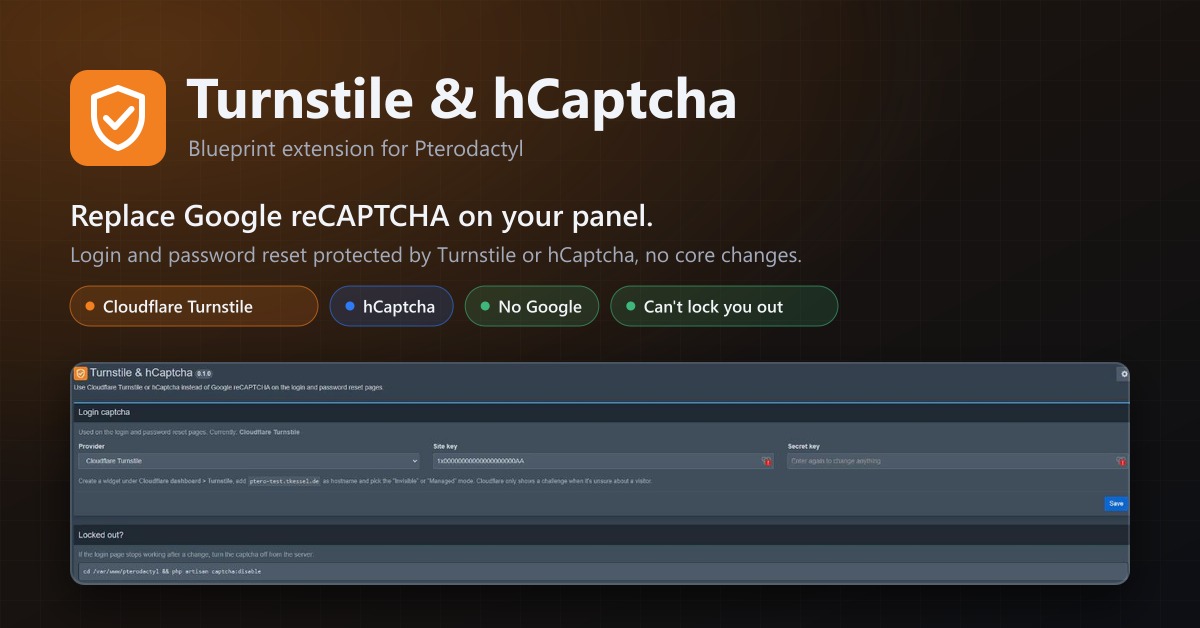
Turnstile & hCaptcha
Use Cloudflare Turnstile or hCaptcha instead of Google reCAPTCHA on your panel's login. No core changes.
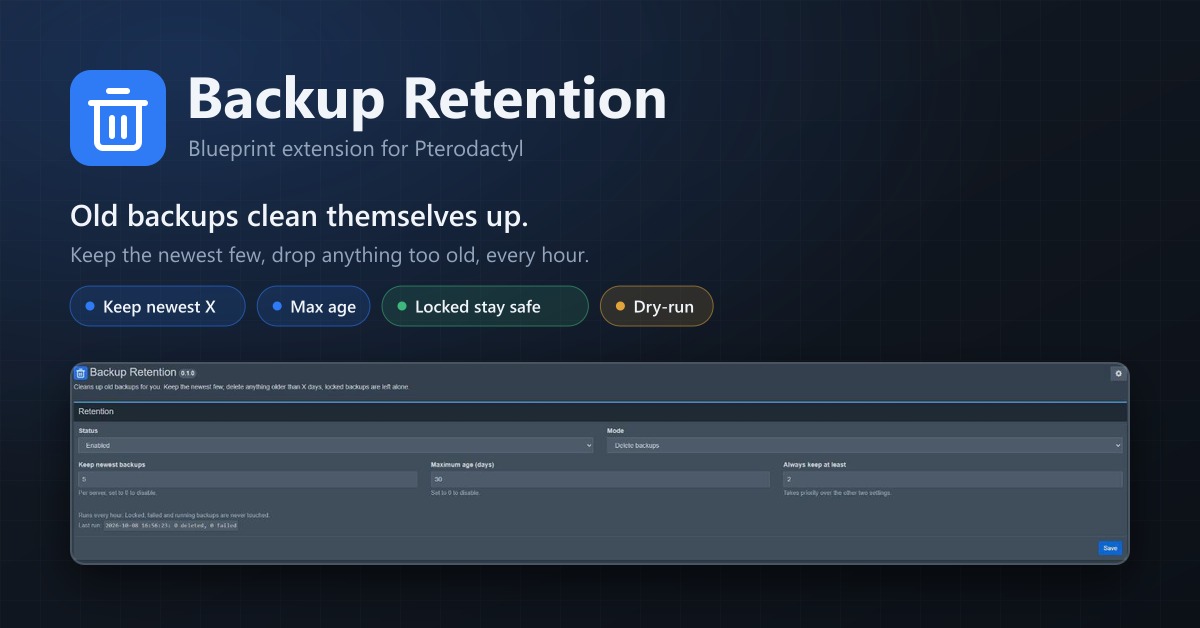
Backup Retention
Automatically deletes old backups. Keep the newest few, remove anything older than X days, locked backups stay.
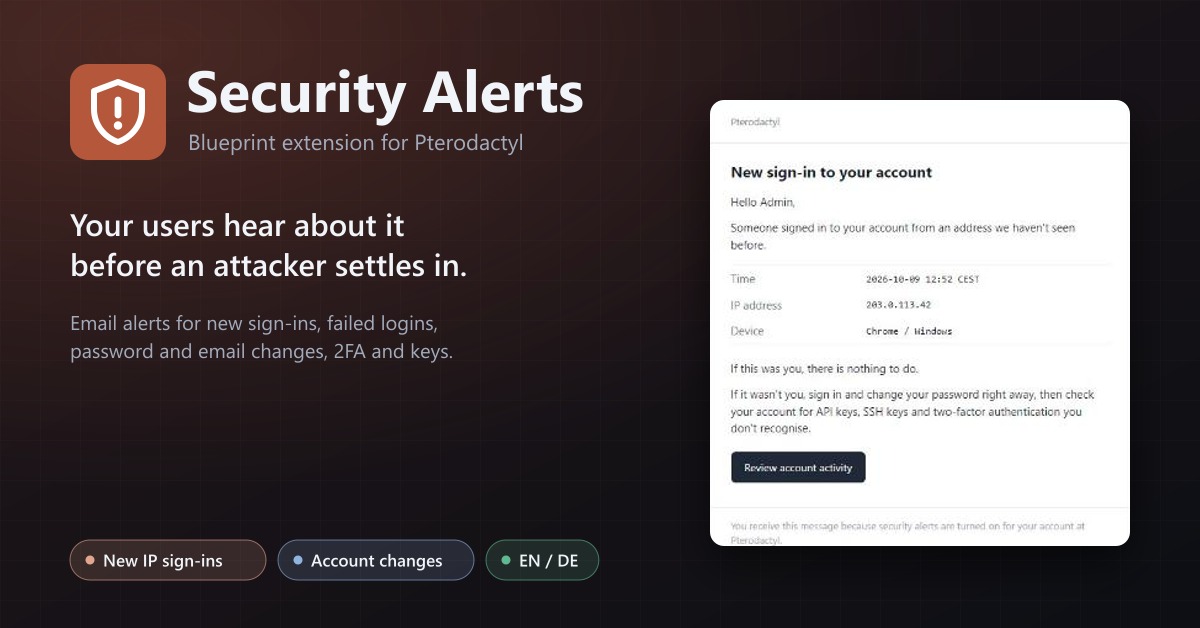
Security Alerts
Email users when someone signs in from a new IP, their password or email changes, 2FA is turned off or a key is added.
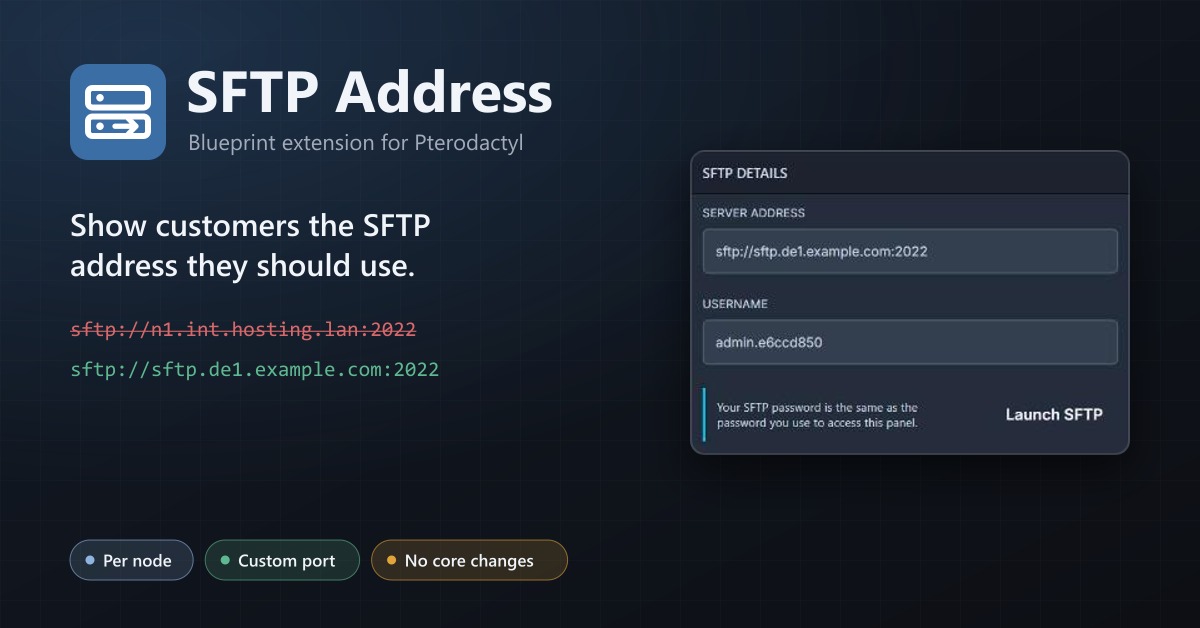
SFTP Address
Show your users a public SFTP address per node, like sftp.de1.example.com, instead of the node's internal address.
Already bought something?
Enter the email address of your sourceXchange account. You get a link to sign in, no password needed. Your licence keys are created automatically for everything you bought.